Inventory sorting and quality-of-life tweaks for Minecraft
Sort chests in one click, stash items where they belong, lock slots, refill your hand, see inside Shulker boxes: Cassonade adds all the little inventory gestures vanilla Minecraft is missing, in the game's own style.
Part of Cassonade, a free vanilla+ mod for Minecraft 26.3 (Fabric)
How it works
All the little gestures vanilla is missing.
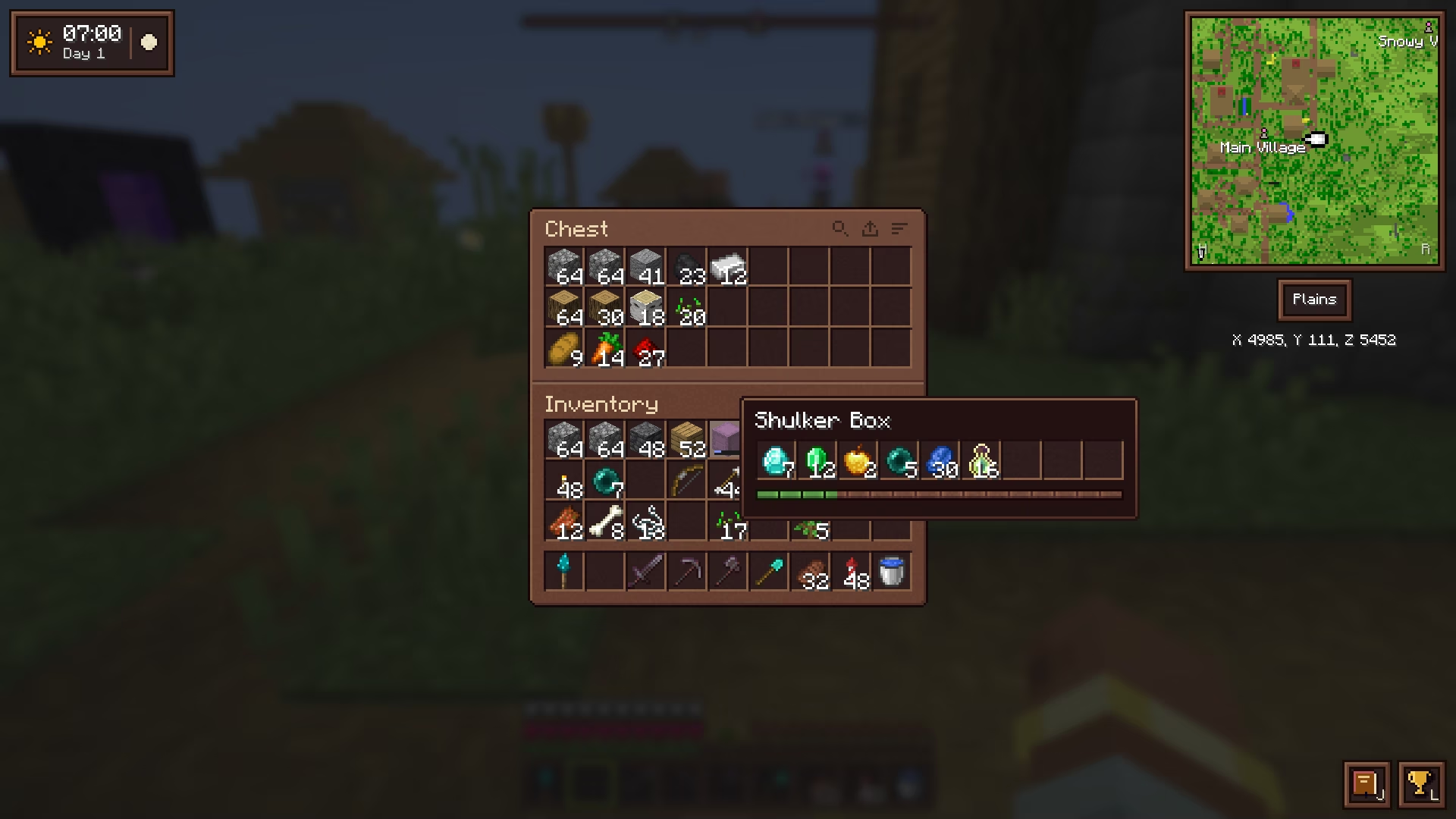
- Sort a chest, barrel, ender chest, Shulker box, your backpack or your inventory with the small buttons next to the titles, or middle-click a slot.
- Stash: one click puts into the open chest the items it already holds.
- Search: press Ctrl+F (Cmd+F on Mac), or click the magnifying-glass button, to open a search field. It matches item names and IDs, enchantments, and items inside bundles and Shulker boxes; non-matches dim without disappearing.
- Shift-drag across a row to move every stack you pass over.
- Scroll wheel: scroll down over a stack to move its items one at a time, where a Shift-click would send the stack.
- Locked slots: Alt-click a slot of your inventory or hotbar to lock it, marked with a padlock. Sorting, stashing, Shift-click, Shift-drag and the drop key leave it alone, and it still gets refilled when its stack runs out.
- Bundles: drag a bundle over items to fill it, or right-drag over empty slots to empty it.
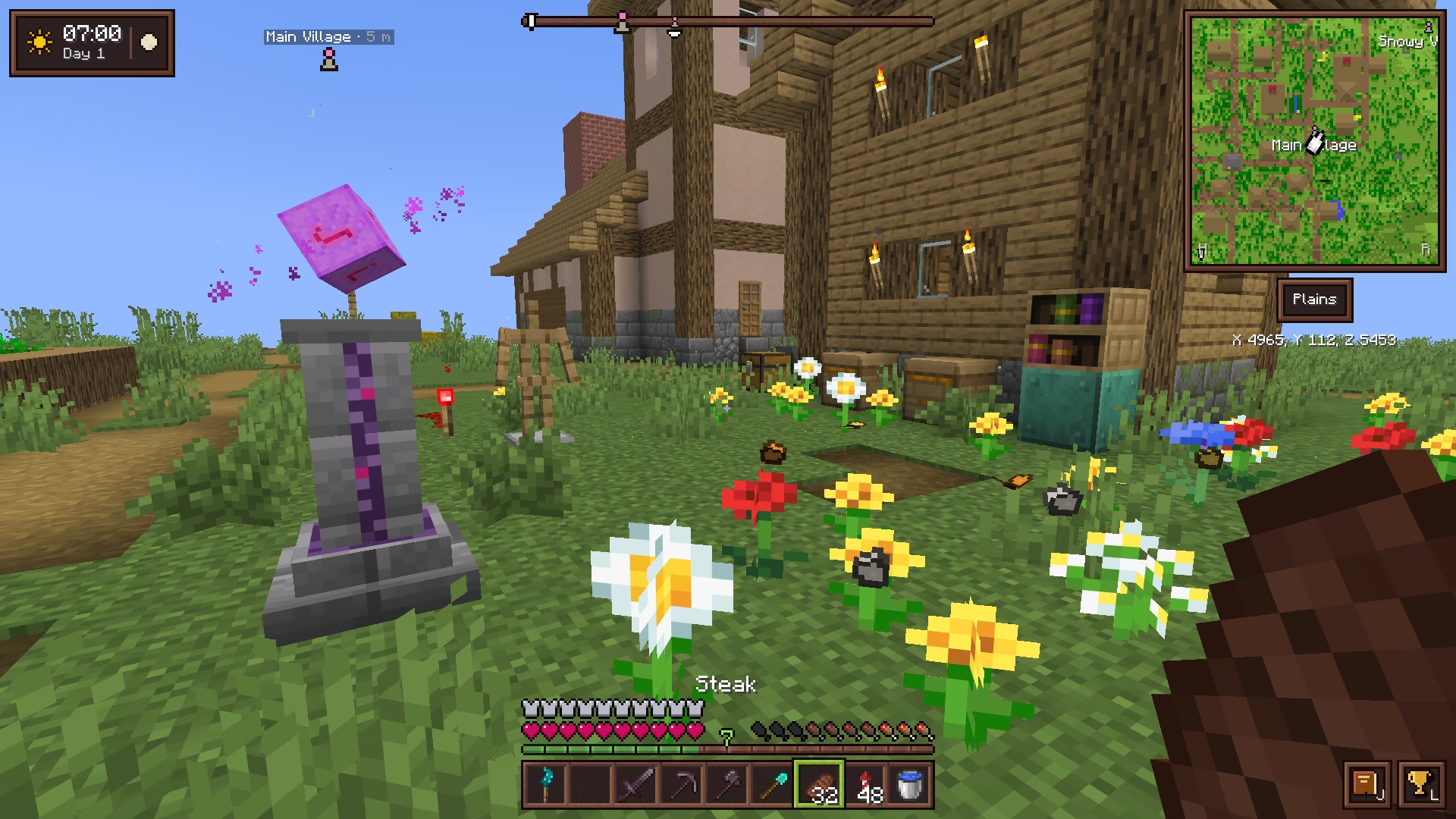
- Previews: see inside bundles, Shulker boxes, backpacks and filled maps on hover. Food shows the hunger it restores and its saturation, as drumsticks, and in hand, what it would restore blinks on the hunger bar.
- Enchantment descriptions: what each enchantment does, under its name, always on enchanted books, and on enchanted gear while Shift is held.
- Compare gear: with Shift held, a weapon's, tool's or armor's tooltip shows how it compares with the piece you wear or hold there, +2 Armor or -1 Attack Damage, enchantments aside.
- Anvil penalty: an item already worked at the anvil shows the levels the anvil adds to every new use on it.
- Fuel: in a furnace, blast furnace or smoker, a fuel's tooltip says how many items it smelts (coal 8, a plank 1.5).
- Brewing: a brewing stand shows how long its current batch has left and how many fuelled batches remain.
- Picked up: what you pick up is listed discreetly on the right of the screen for a few seconds, the same item's pickups added up.
- New items: what you just picked up carries a small golden dot in your inventory, until your cursor passes over it.
- Hotbar rows: G rotates your inventory rows into the hotbar, the row just above coming down into it. Four presses bring everything back, so each row can hold a set: tools, building blocks, food and torches.
- Hand refill: when the stack in your hand runs out (last block placed, last food eaten, tool broken), a matching stack from your inventory takes its place.
- Durability warning: when an enchanted tool, weapon or armor piece is about to break, a soft crack, a message above the hotbar and the item blinking red.
- Bulk crafting: Ctrl-click (Cmd on Mac) a recipe in the recipe book to craft as many as your inventory allows.
- An item's uses: press U over an item to open the recipe book on every recipe that uses it; U again, a search or closing the book brings the whole book back.
- Chain crafting: click a recipe missing something you could craft first, and the recipe book makes it from your inventory, logs into planks, planks into sticks.
- Shulker boxes click like bundles: click or drag over stacks to fill one, right-click to take a stack out, and scroll over it to pick which.
- Soft sounds on inventory clicks, and a light tick as you scroll a list, where vanilla stays silent.
Questions
How do I sort a chest?
Click the small sort button next to its title, or middle-click a slot in it (in Survival). Identical stacks are merged, then ordered by item. In your own inventory, sorting leaves the hotbar and armor alone.
How do I lock an inventory slot?
Alt-click a slot of your inventory or hotbar: a padlock marks it. Sorting, stashing, Shift-click, Shift-drag and the drop key (Q) leave it alone. Alt-click it again to unlock it.
What does hand refill do?
When the stack in your hand runs out, a matching stack from your inventory takes its place, an identical one (same enchantments, same wear) first. It never takes from the backpack.
How do I search a chest or backpack?
Press Ctrl+F (Cmd+F on Mac), or click the magnifying-glass button by the title. Type an item name, ID or enchantment; items inside bundles and Shulker boxes are searched too. Non-matching stacks dim but stay in place.
Does the brewing stand show how long a potion will take?
Yes. While it is open, it shows the time left in the current batch and the number of fuelled batches remaining.
Does it work on a server without the mod?
Partly. Search, previews, food values, the durability warning, the new items' dot, hotbar rows and brewing times work on any server; sorting and locked slots need Cassonade on the server.
More in Cassonade
One mod, every feature: they all come in the same download.
 A living world
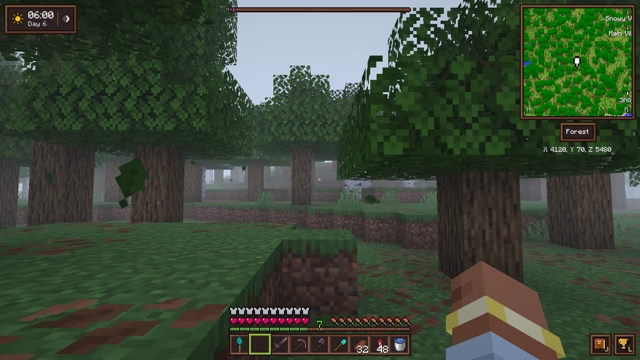 Weather and sky
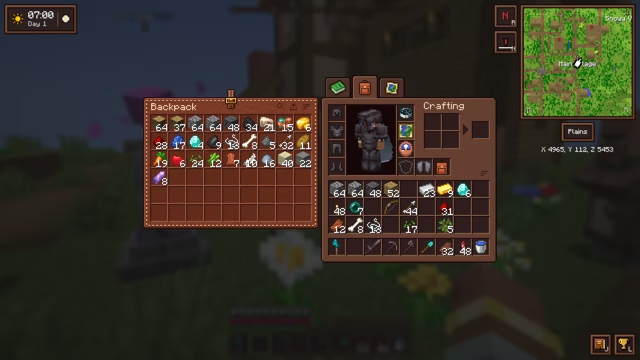 Backpack
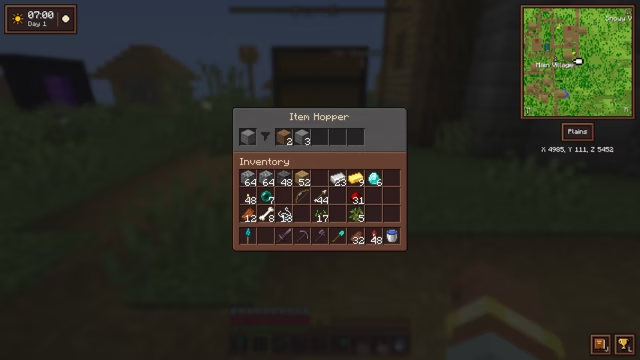 Filtered hopper
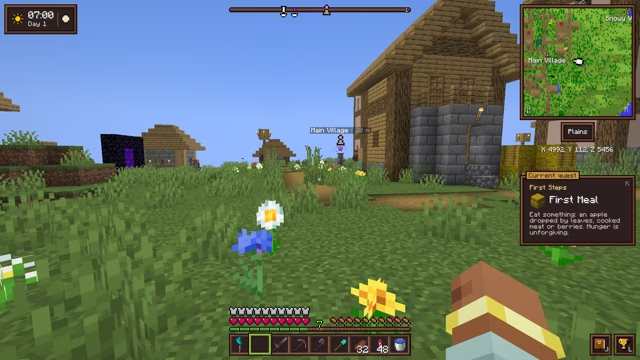 Compass minimap
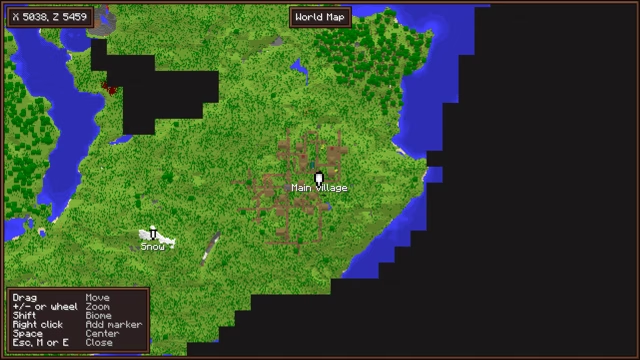 World map and markers
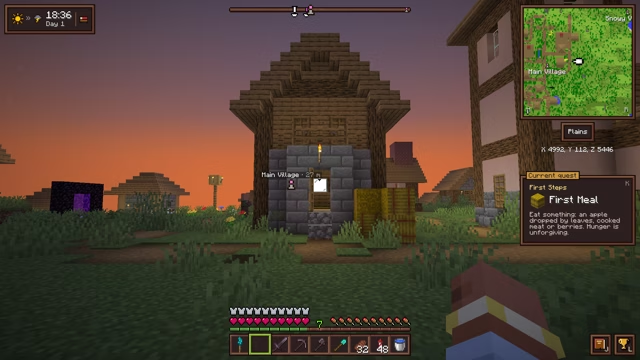 Clock and barometer
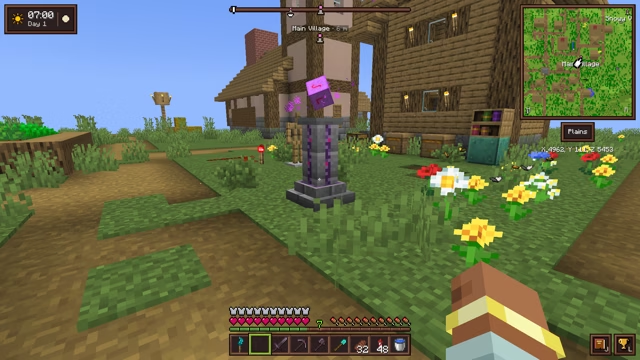 Waystone
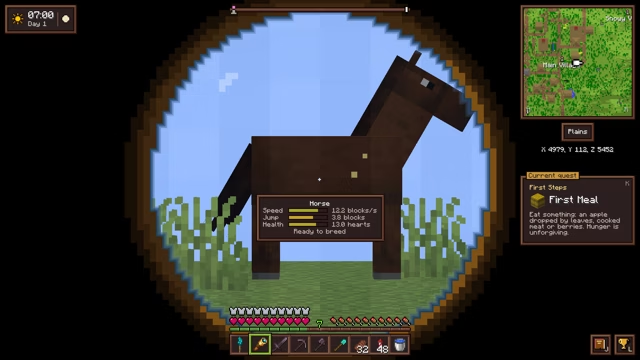 Spyglasses
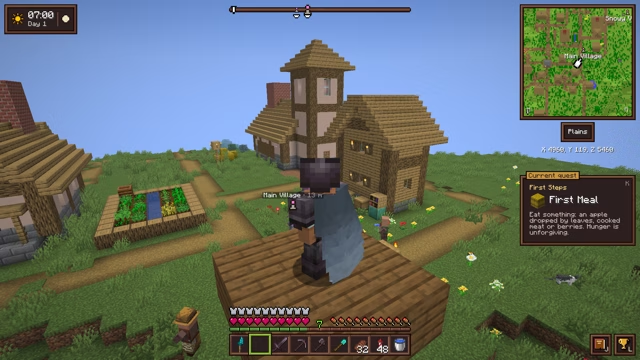 Elytra slot
 The sea
 Villages and treasures
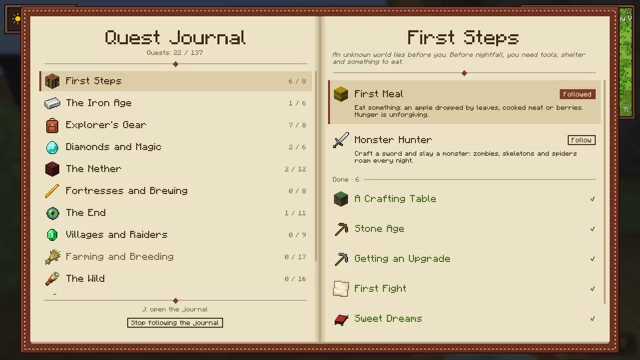 Quest journal and advancements
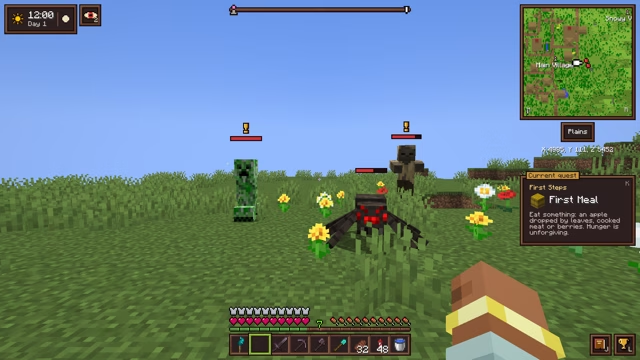 Combat awareness
 Sculk torch
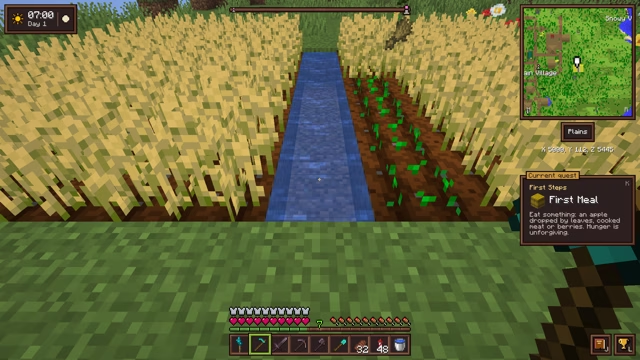 Right-click harvest
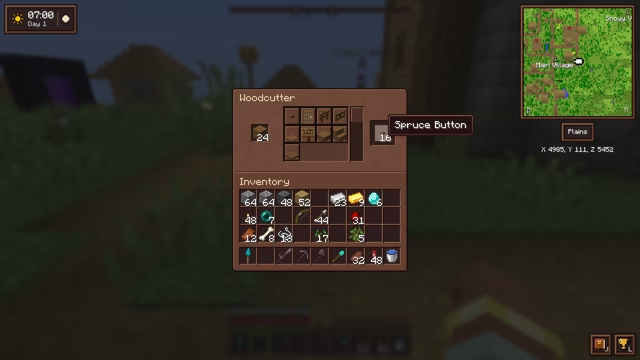 Woodcutter
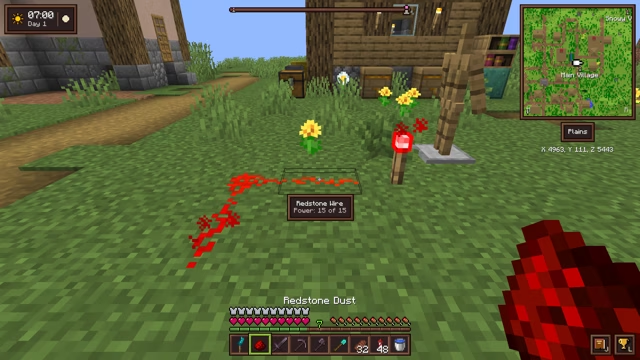 Small tweaks
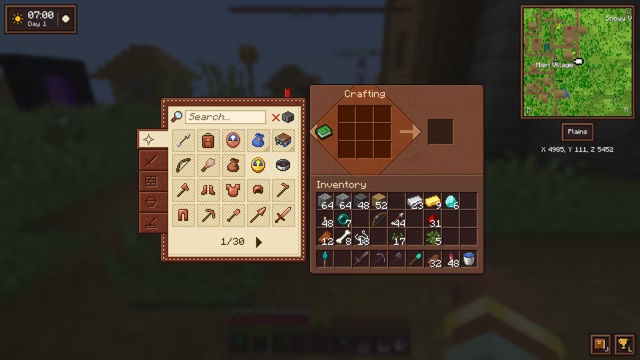 A refined interface
 Light and sky