A minimap for Minecraft, unlocked with a compass
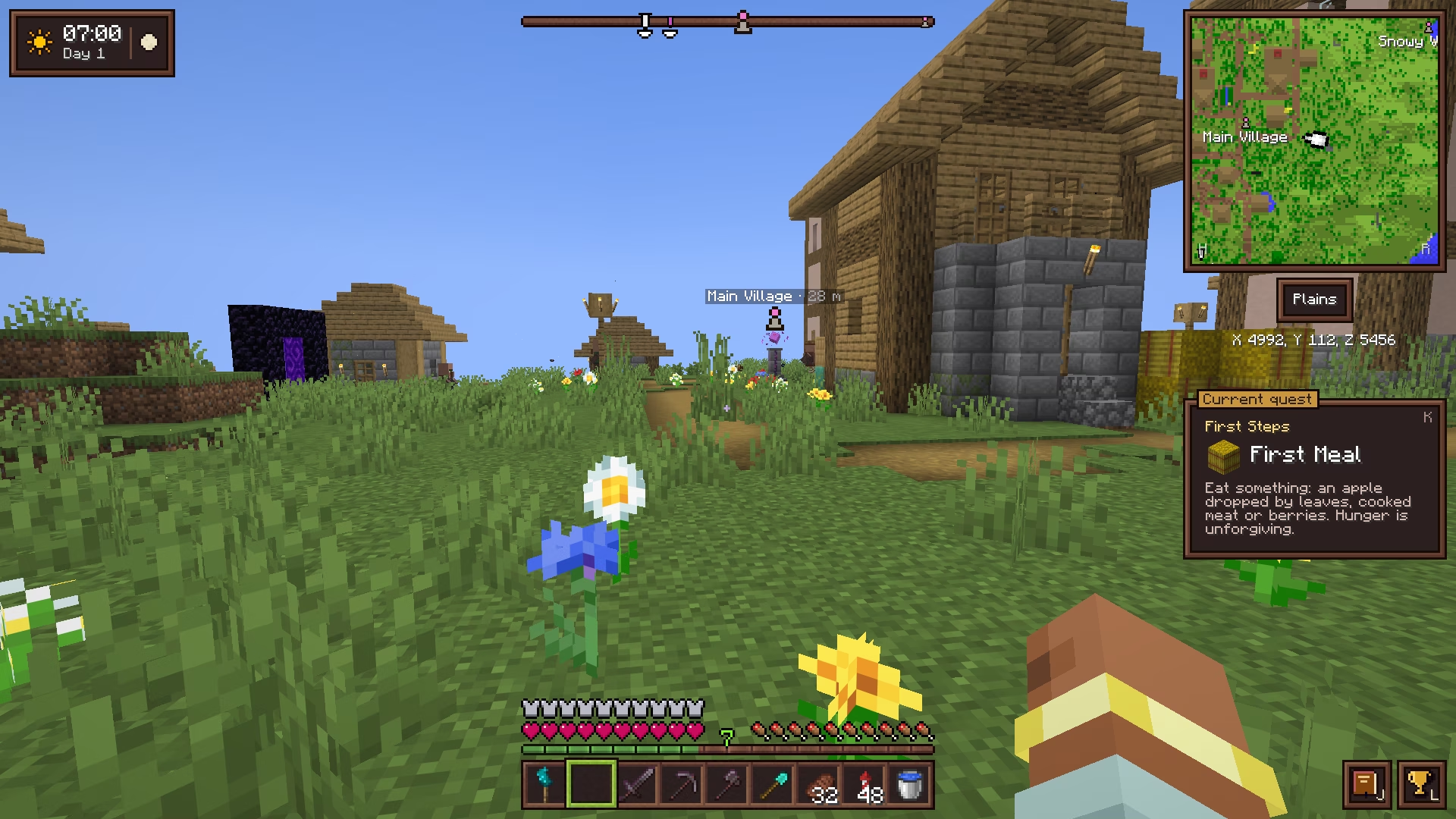
Equip a compass and Cassonade draws a minimap in the top-right corner of the screen, in the colors of vanilla maps, with the biome and your coordinates underneath. No compass, no minimap: the screen stays as clean as vanilla.
Part of Cassonade, a free vanilla+ mod for Minecraft 26.3 (Fabric)
How it works
Equip a compass to see where you are.
- Equip a compass in the compass slot, above the offhand: the minimap shows up in the top-right corner.
- + and − zoom from 32 to 256 blocks across.
- The biome you stand in and your coordinates are written underneath.
- The N button next to the minimap, or R, switches between north-up and a map that turns with you.
- H puts the minimap away, with the biome and coordinates, and brings it back; the direction bar and markers stay.
- A direction bar at the top of the screen shows your markers and names the one you aim at, with its distance; it gives way to boss bars during a fight. Within 32 blocks, a marker also shows in the world, through terrain, with its name and distance, to tell how high it is. N cycles between the bar, hidden, and all of them in the world; holding V shows them all in the world for a moment.
- In the Nether, the map shows the floor you stand on, not the bedrock ceiling. Deep in a cave, it shows the cave around you rather than the surface far above, up to its ceiling in a tall one.
- Zoom, rotation, hiding and marker display are remembered between sessions.
Questions
Do I need a compass to see the minimap?
Yes: the minimap shows while a compass, or a sculk compass, is equipped in its slot. Take it off and the screen is vanilla again.
Does the minimap work in the Nether?
Yes. It shows the floor you stand on rather than the bedrock ceiling, so the tunnels and lava lakes around you stay readable.
Does the minimap show caves?
Yes: deep in a cave, out of the daylight, it shows the cave's floor around you, the way it does in the Nether, and the surface again once you are out.
How do I add a marker?
Markers are placed on the world map: right-click anywhere on it, then pick a name and one of the 16 dye colors. The marker then shows on the minimap and in the world.
Do the keys work on an AZERTY keyboard?
Yes. Letter keys, + and − follow the character printed on your keyboard, and every key can be changed in Options → Controls → Key Binds → Cassonade.
More in Cassonade
One mod, every feature: they all come in the same download.
 A living world
 Weather and sky
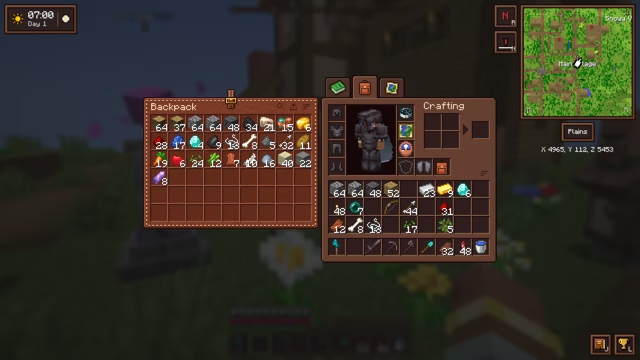 Backpack
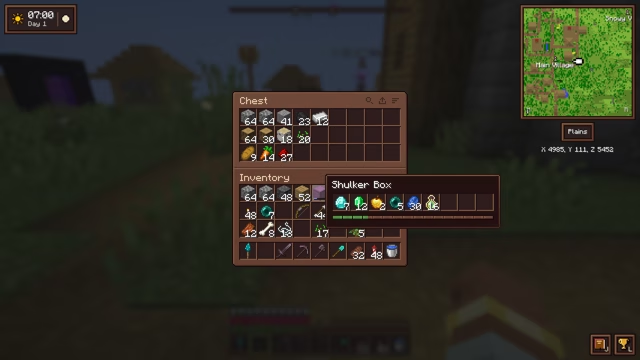 An inventory that keeps up
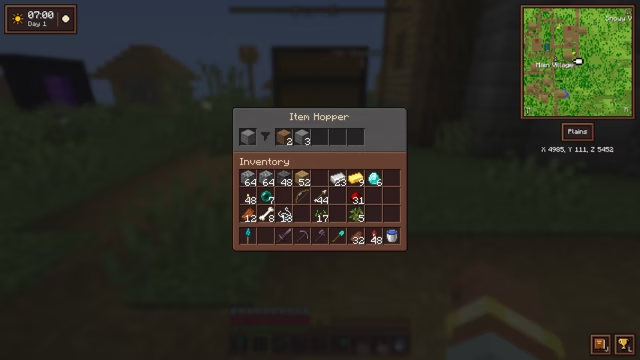 Filtered hopper
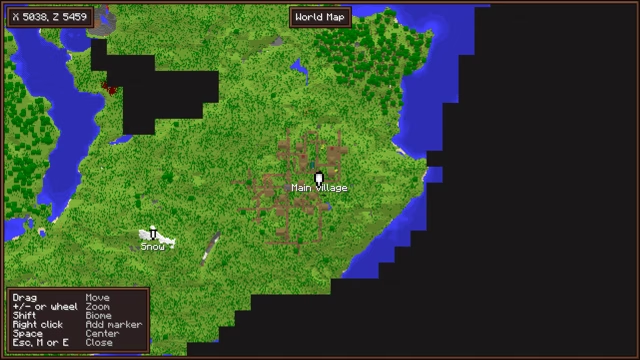 World map and markers
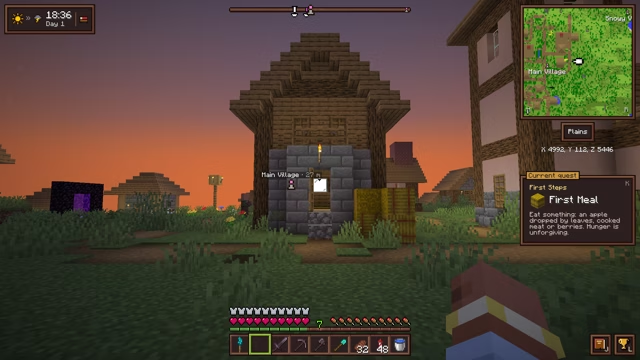 Clock and barometer
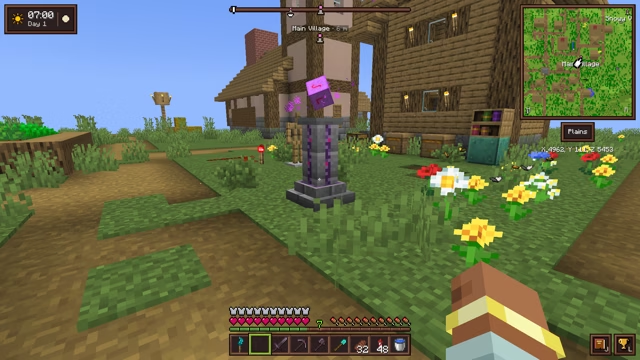 Waystone
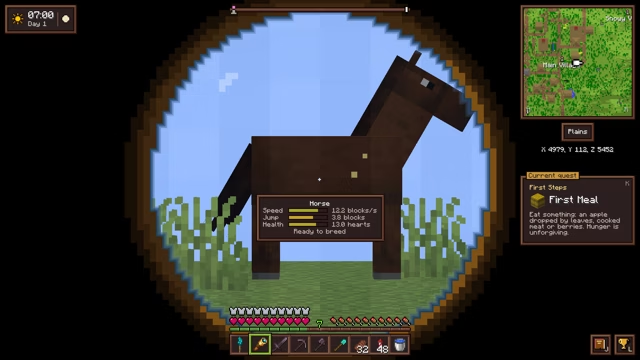 Spyglasses
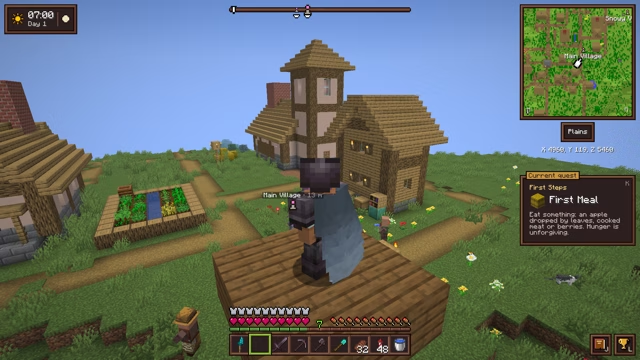 Elytra slot
 The sea
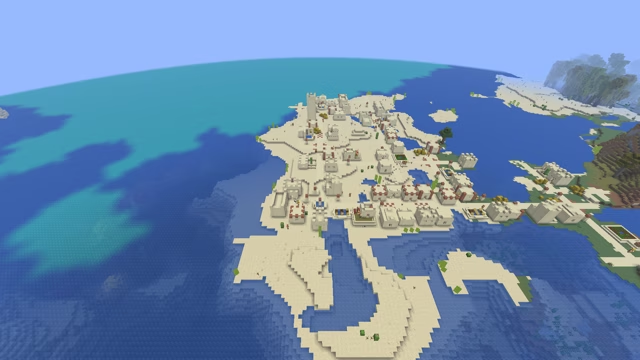 Villages and treasures
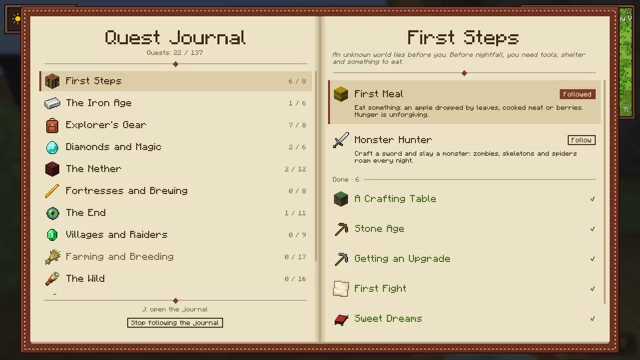 Quest journal and advancements
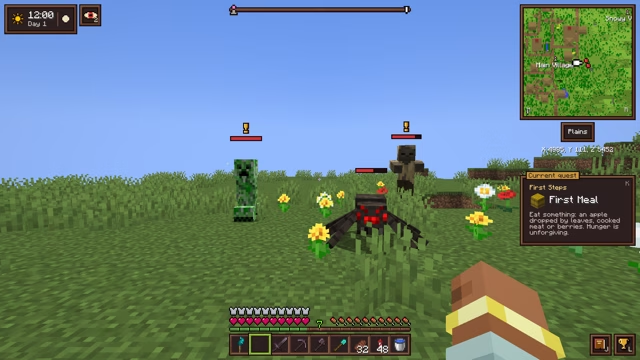 Combat awareness
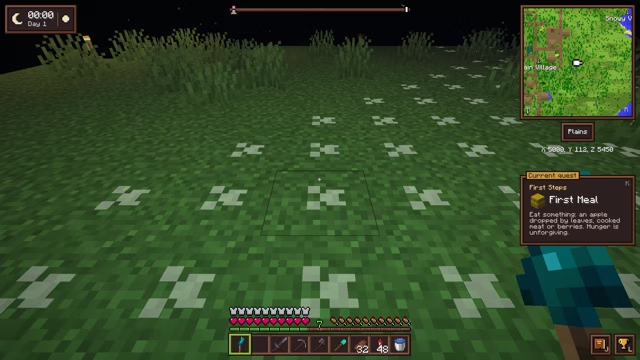 Sculk torch
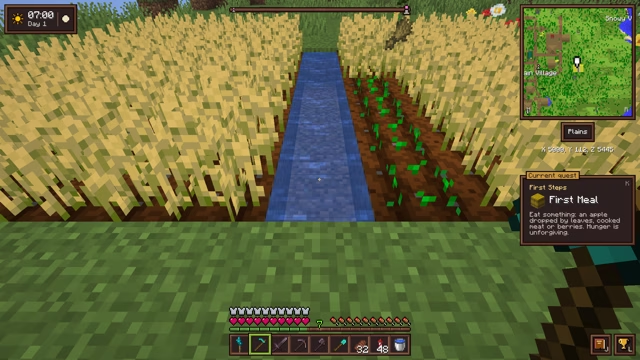 Right-click harvest
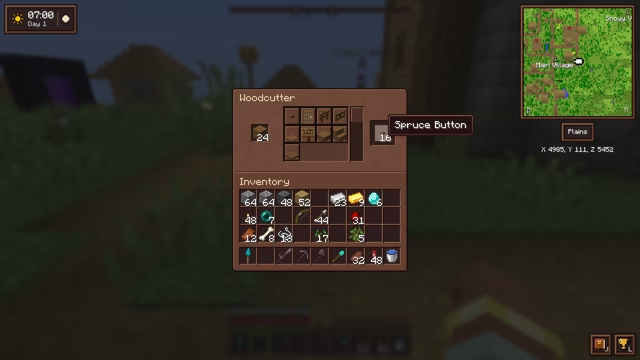 Woodcutter
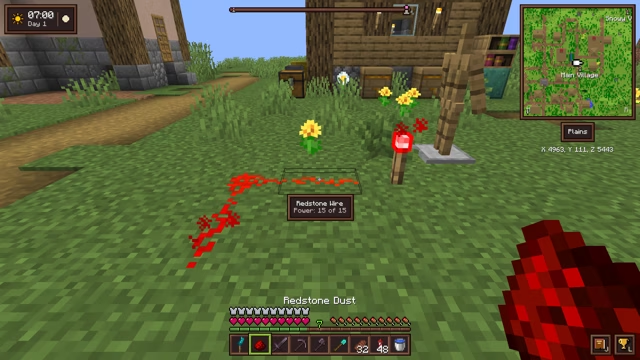 Small tweaks
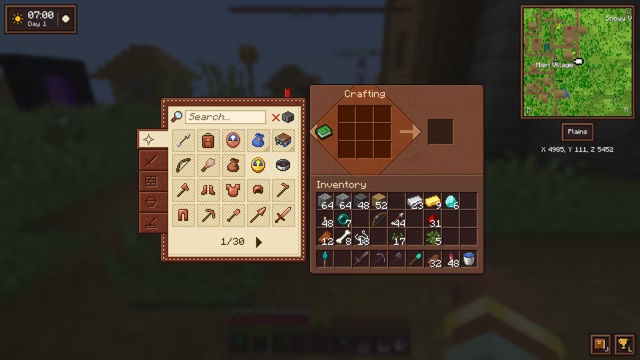 A refined interface
 Light and sky