A cleaner, warmer Minecraft interface that stays vanilla
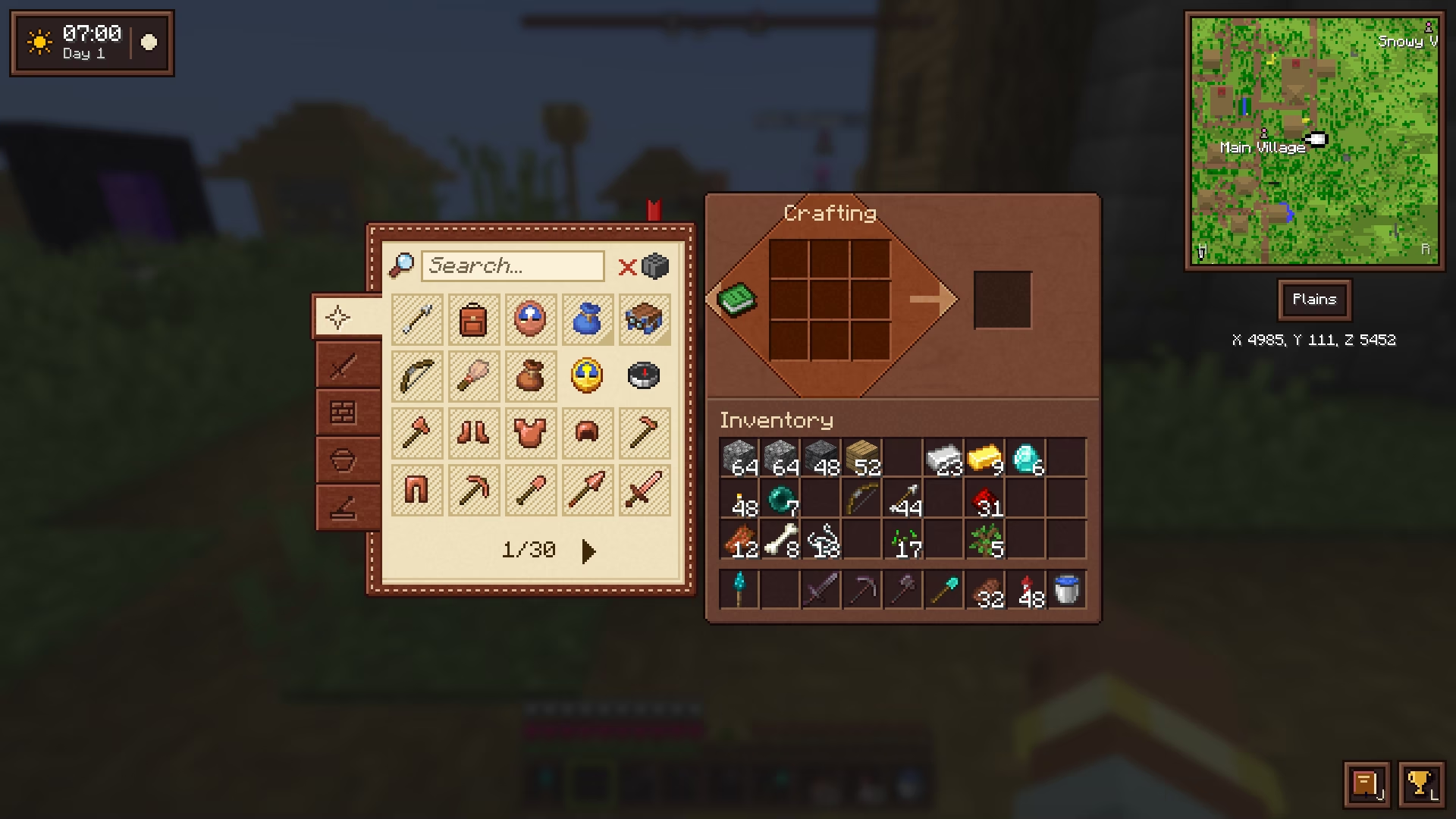
This is the web designer in me. I redrew the game's screens in one consistent style: sepia wood panels, dark slots and cream text, from the HUD to inventories, the chat and tooltips. Still Minecraft's pixel style, just more polished.
Part of Cassonade, a free vanilla+ mod for Minecraft 26.3 (Fabric)
How it works
This is the web designer in me: a cleaner, warmer look for every screen, still in Minecraft's style.
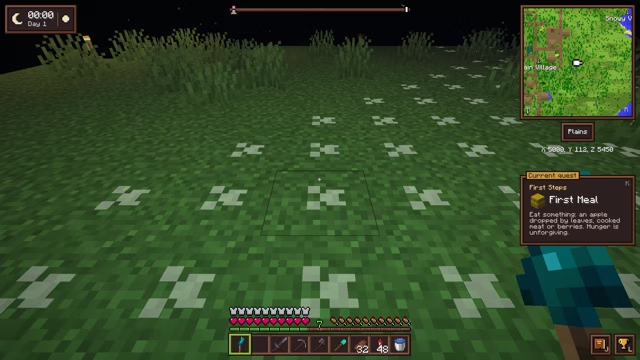
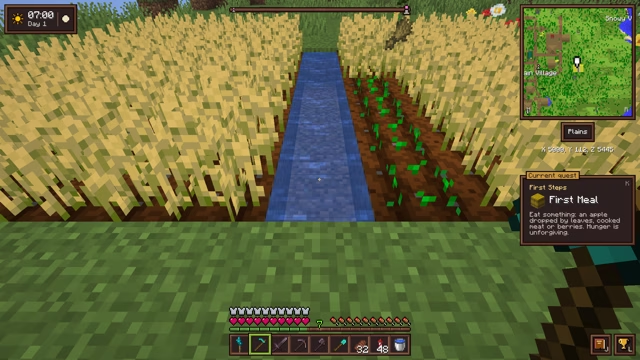
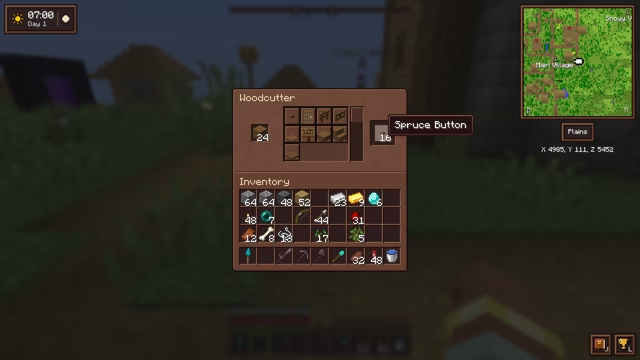
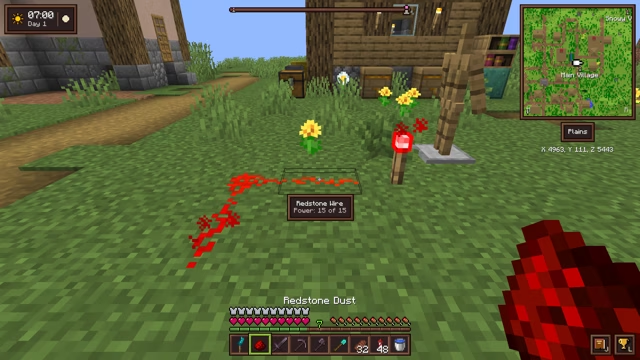
- Sepia wood panels, dark slots and cream text across the HUD, the chat, inventories, buttons and tooltips.
- The world softly blurred behind open windows, which rise gently into place as they open and sink back as they close.
- The chat framed in wood above the hearts, with its input field.
- Status effects framed in the top-right corner, each with its time left in a corner of the icon.
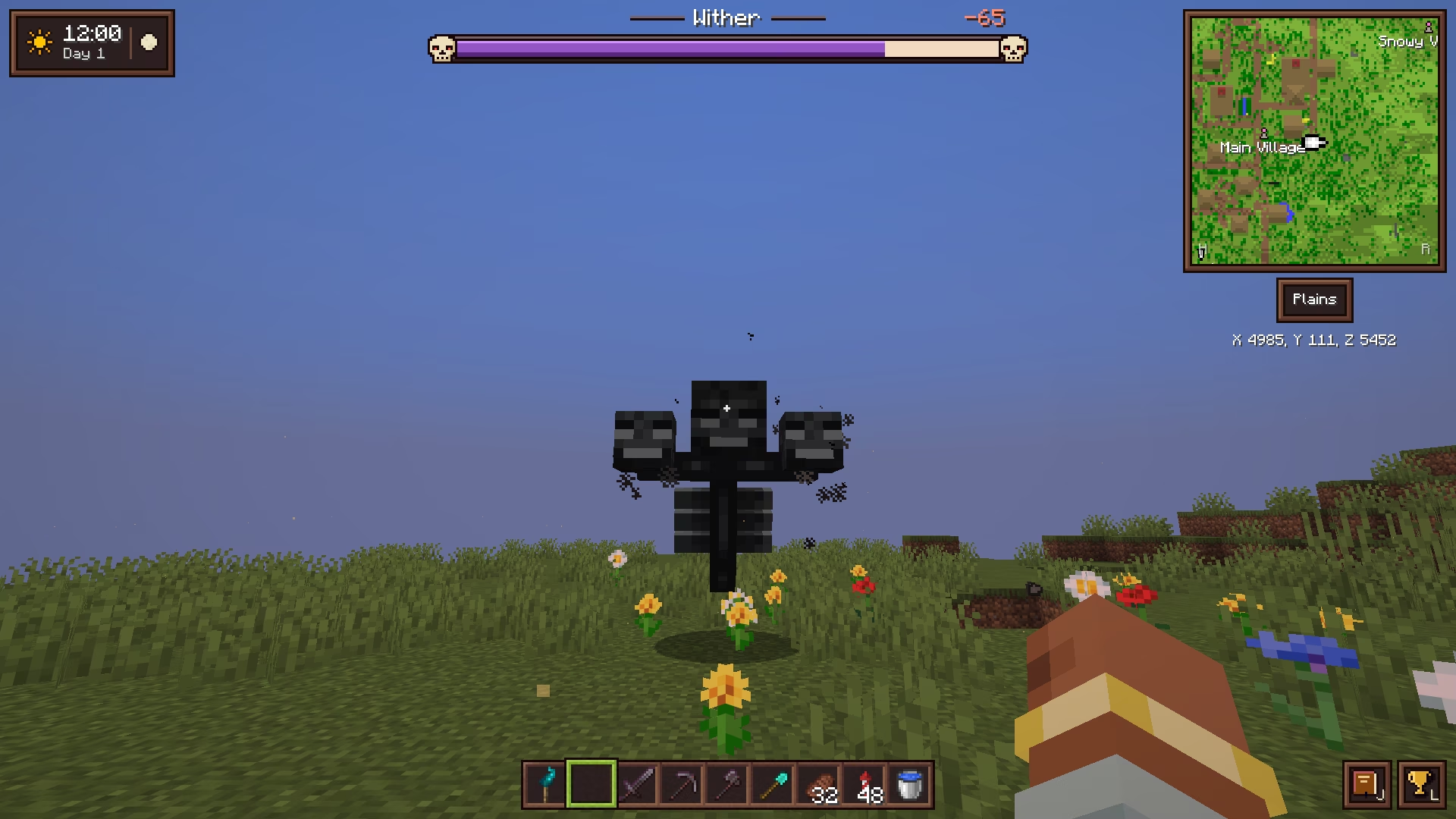
- Boss bars: wide and framed in dark iron between two skulls, they fill up as the boss shows up, leave the health just lost as a pale trail that drains away, and add up the damage you deal next to the boss's name.
- A recipe book that looks like a book, bound in leather, with cream pages and tabs.
- An animated book on the enchanting table, which shows every enchantment an option will give instead of “…?”.
- Title screen: the buttons in a column on the left, a small logo centered above them and discreet small, faded text at the bottom, over the panorama fading into shadow on that side.
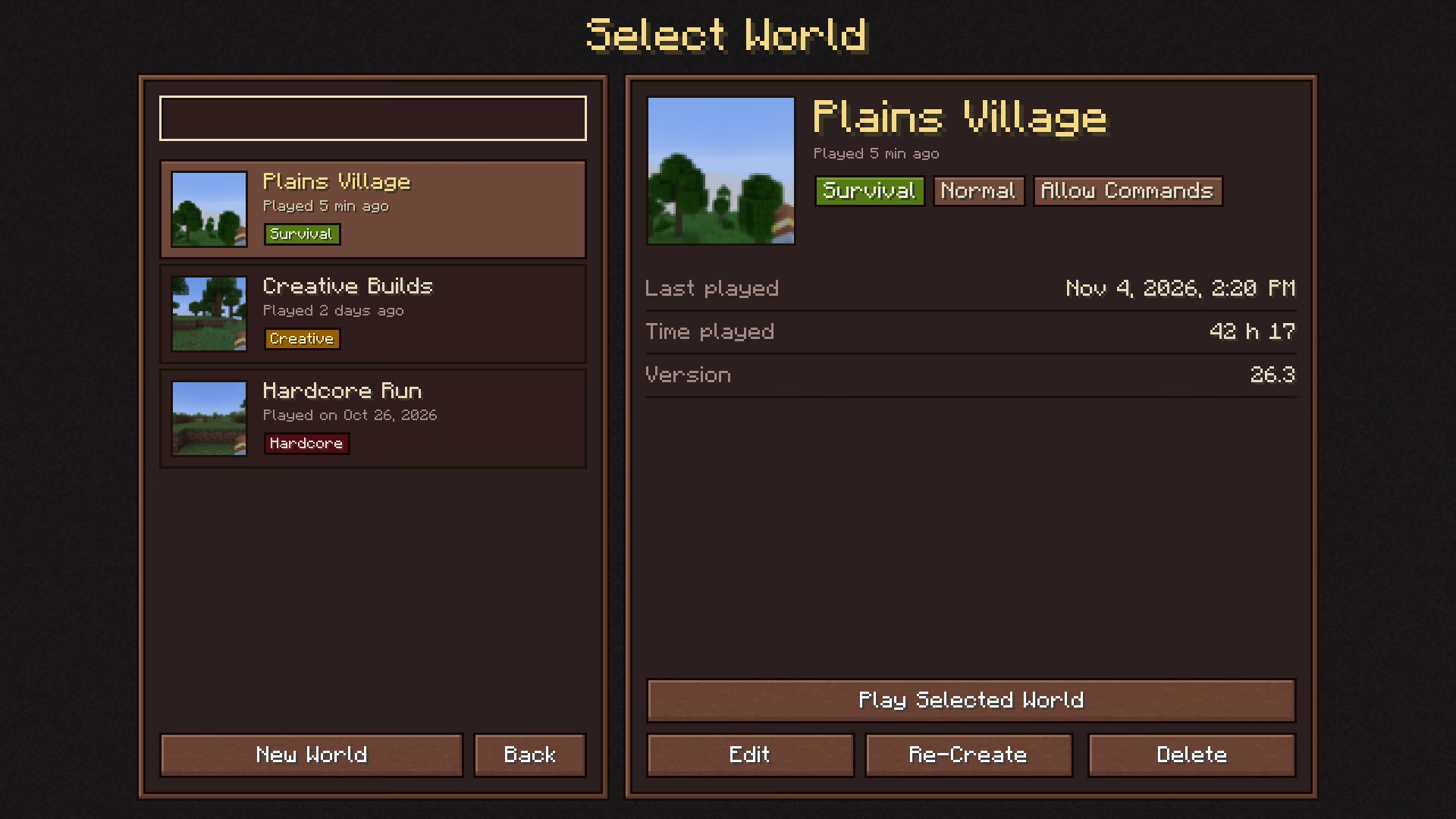
- World selection: your worlds on the left, each with its icon, when you last played it and its game mode; the selected one on the right, with a large icon, its game mode and difficulty, the date of your last session, your time played and its version. The world you played last is selected when the screen opens.
- Server selection: in the same style, your servers on the left and the selected one on the right, with whether it answers, how many are playing, its ping and its version.
- Menus and dialogs: the other menus share that plain background, confirmations and server forms sit in a framed panel, and the death screen shows a skull above a panel gathering everything, over the red veil.
- Clickable labels in the journal and advancements books, styled to fit their pages.
- Fire and shields: the flames of a burning player stay in the lower part of the screen, and a raised shield sits lower, so the middle stays clear.
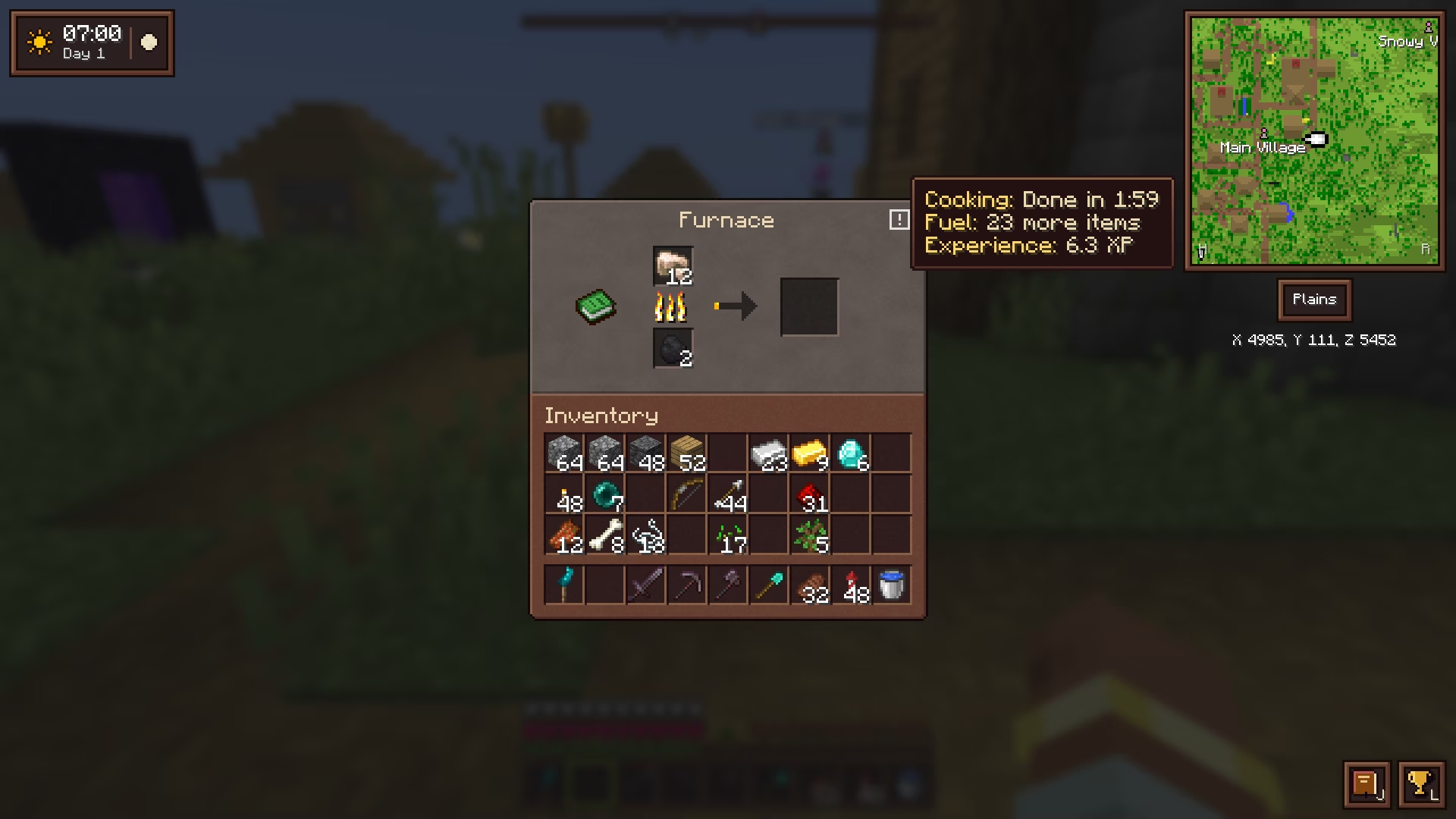
- The “!” icon: hover it, by the title of a window, for what vanilla hides. A furnace tells its cooking time, how many more items the fuel will cook and the experience it holds; a grindstone, the experience it will give back, as a range; a wandering trader's screen, how long they have left.
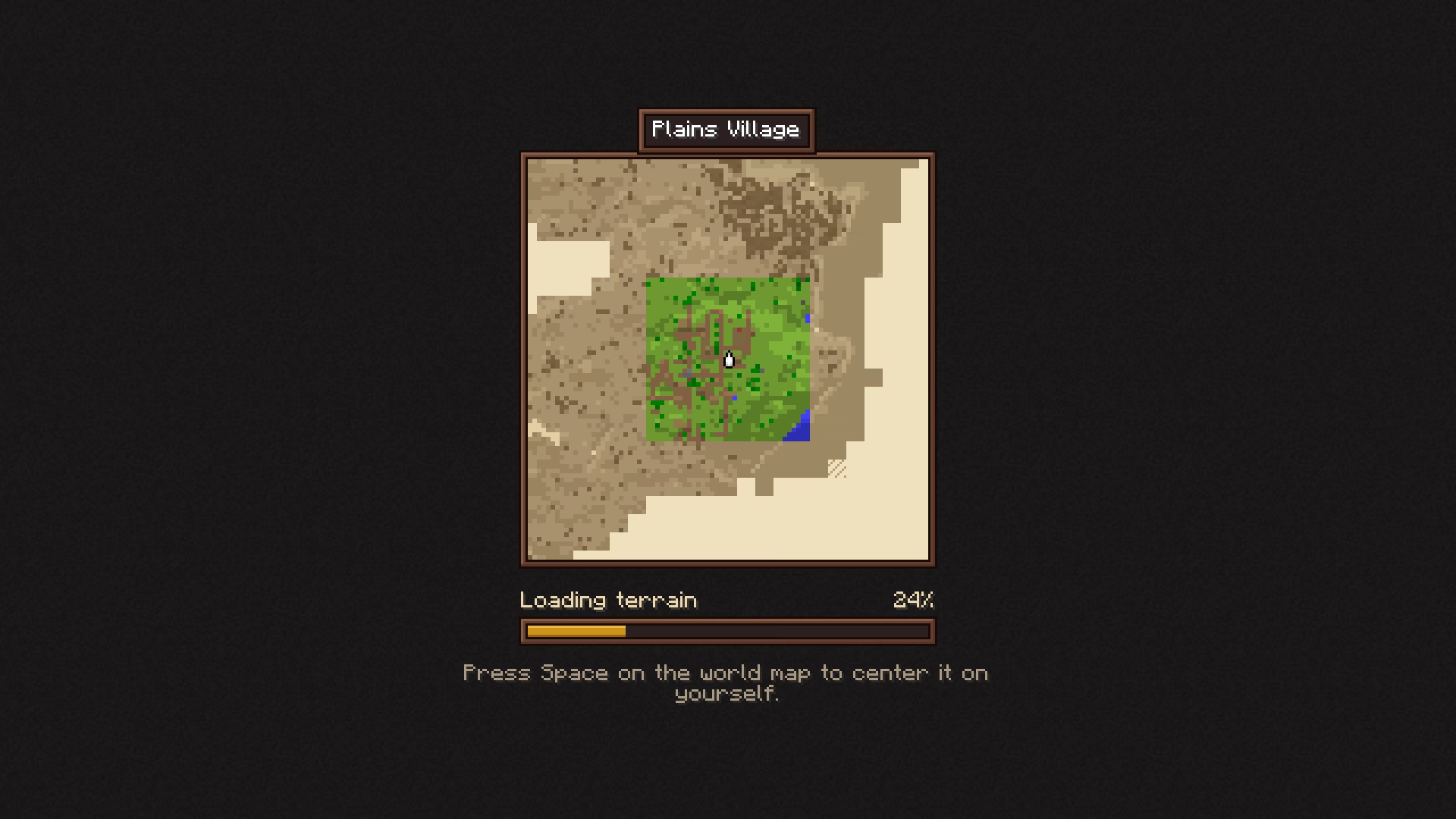
- World loading: while a world loads, in singleplayer or joining a server, the map draws itself. What you explored shows in sepia and comes into color chunk by chunk; land never seen is inked on blank paper. A progress bar and a tip about the mod sit underneath.
Questions
Does the loading screen slow down loading?
No. It only shows the game's own loading and never makes it last longer. On a world already generated it can be over in a moment.
Does Cassonade change the game's textures?
No. Blocks, items and mobs look exactly as in vanilla: only windows, buttons, tooltips, the chat and the mod's own panels change.
Why does the enchanting table show every enchantment?
Vanilla shows one enchantment, then “…?”. Cassonade shows every enchantment the option will give, computed the same way as the server, so you know what you pay for.
More in Cassonade
One mod, every feature: they all come in the same download.
 A living world
 Weather and sky
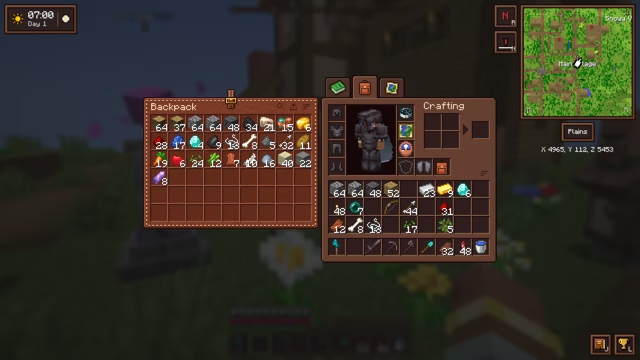 Backpack
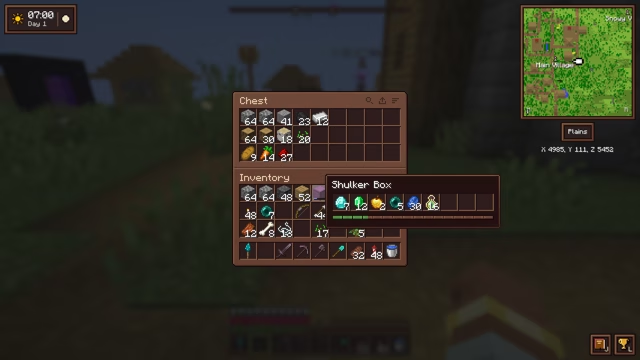 An inventory that keeps up
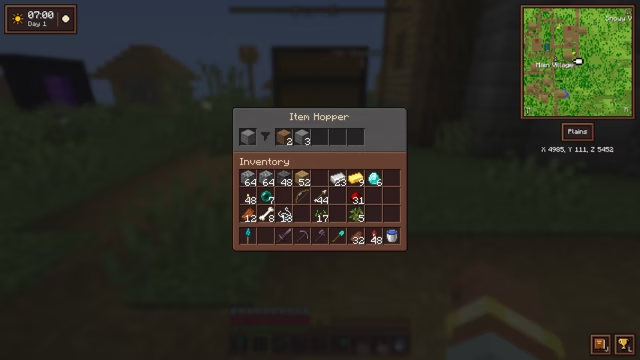 Filtered hopper
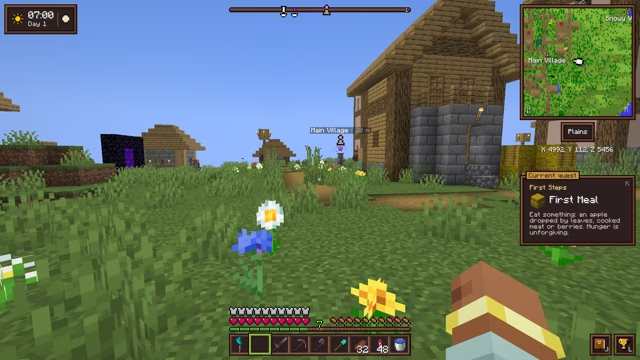 Compass minimap
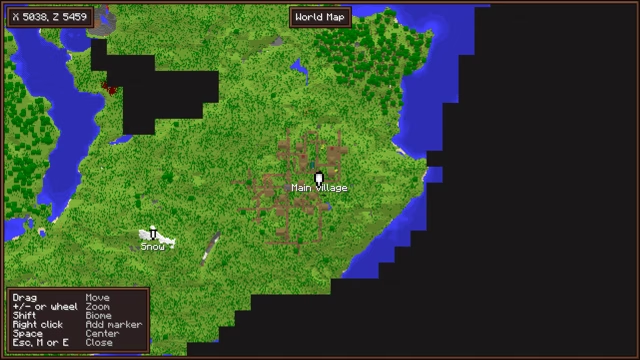 World map and markers
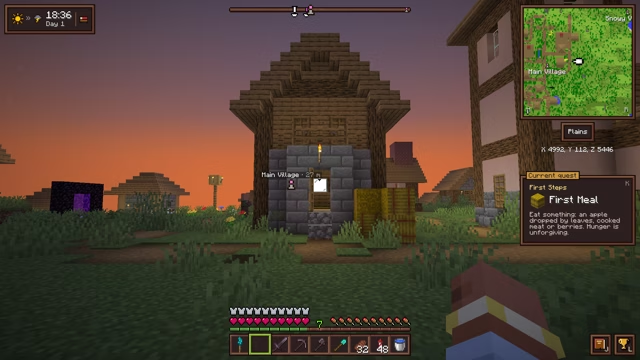 Clock and barometer
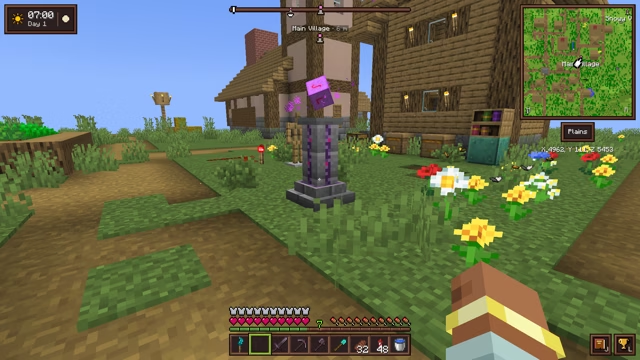 Waystone
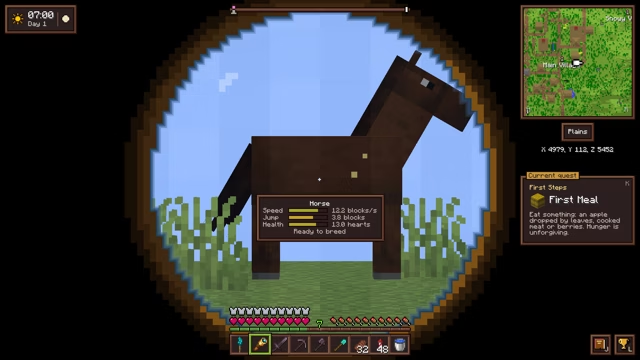 Spyglasses
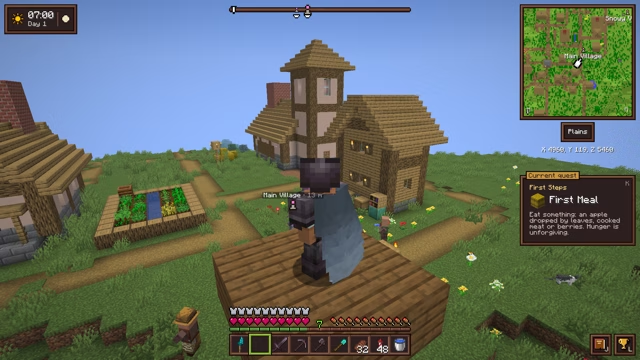 Elytra slot
 The sea
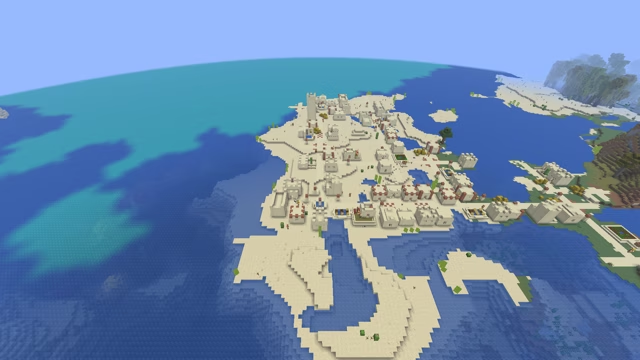 Villages and treasures
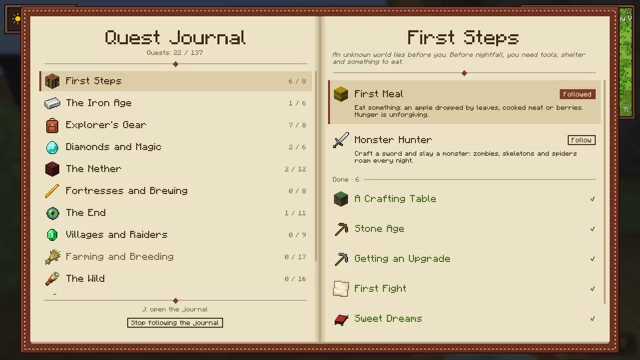 Quest journal and advancements
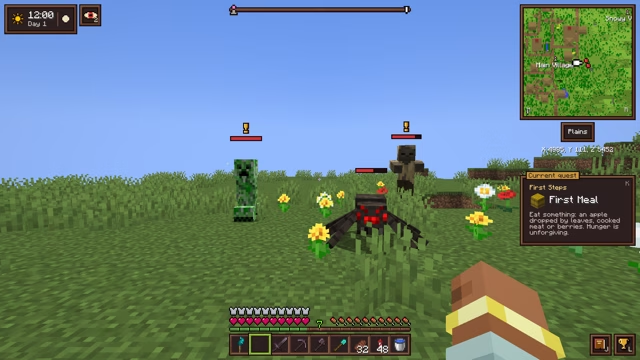 Combat awareness
 Sculk torch
 Right-click harvest
 Woodcutter
 Small tweaks
 Light and sky