A world map with markers for Minecraft
Craft a world map from an empty map and eight sticks, and open a full-screen map of every chunk you have explored, under a fog of war. Place named markers in any of the 16 dye colors: they show on the map, on the minimap and in the world.
Part of Cassonade, a free vanilla+ mod for Minecraft 26.3 (Fabric)
How it works
Every chunk you have explored, on one map.
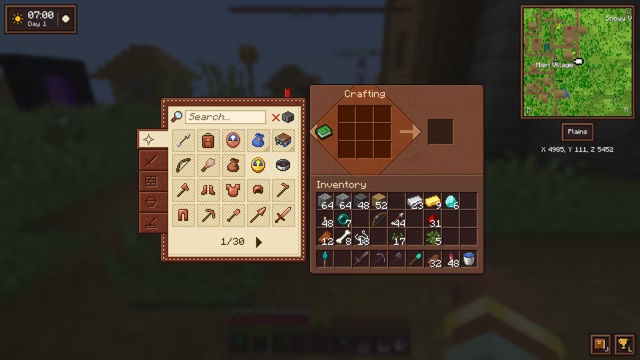
- Craft a world map from an empty map surrounded by eight sticks, and equip it in the map slot.
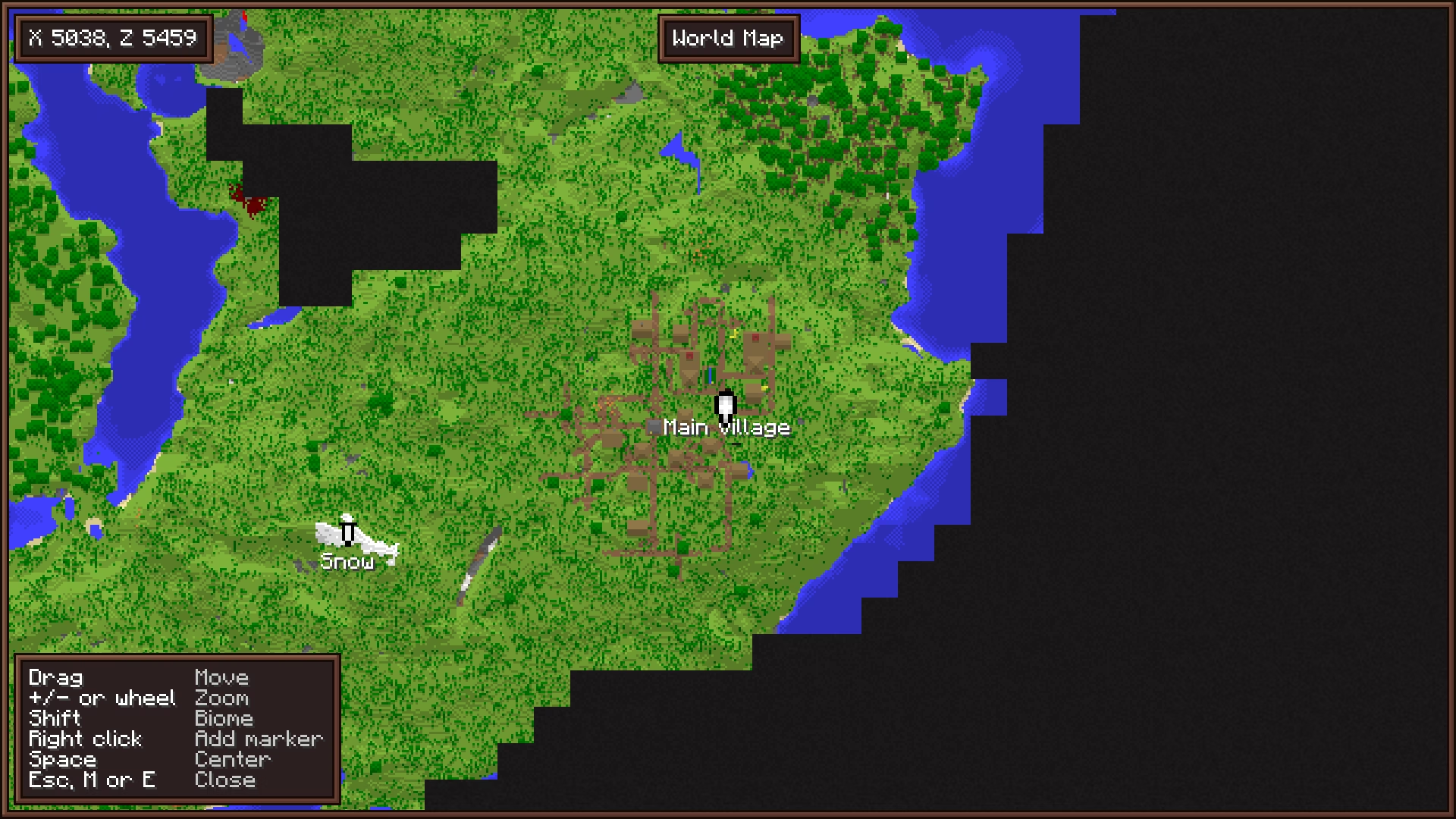
- M, or the tab at the top of the inventory, opens a full-screen map of every chunk you have explored in this dimension, under a fog of war.
- Drag to move, + / − or the mouse wheel to zoom, Space to recenter on yourself. A panel in the bottom left corner lists the map's shortcuts.
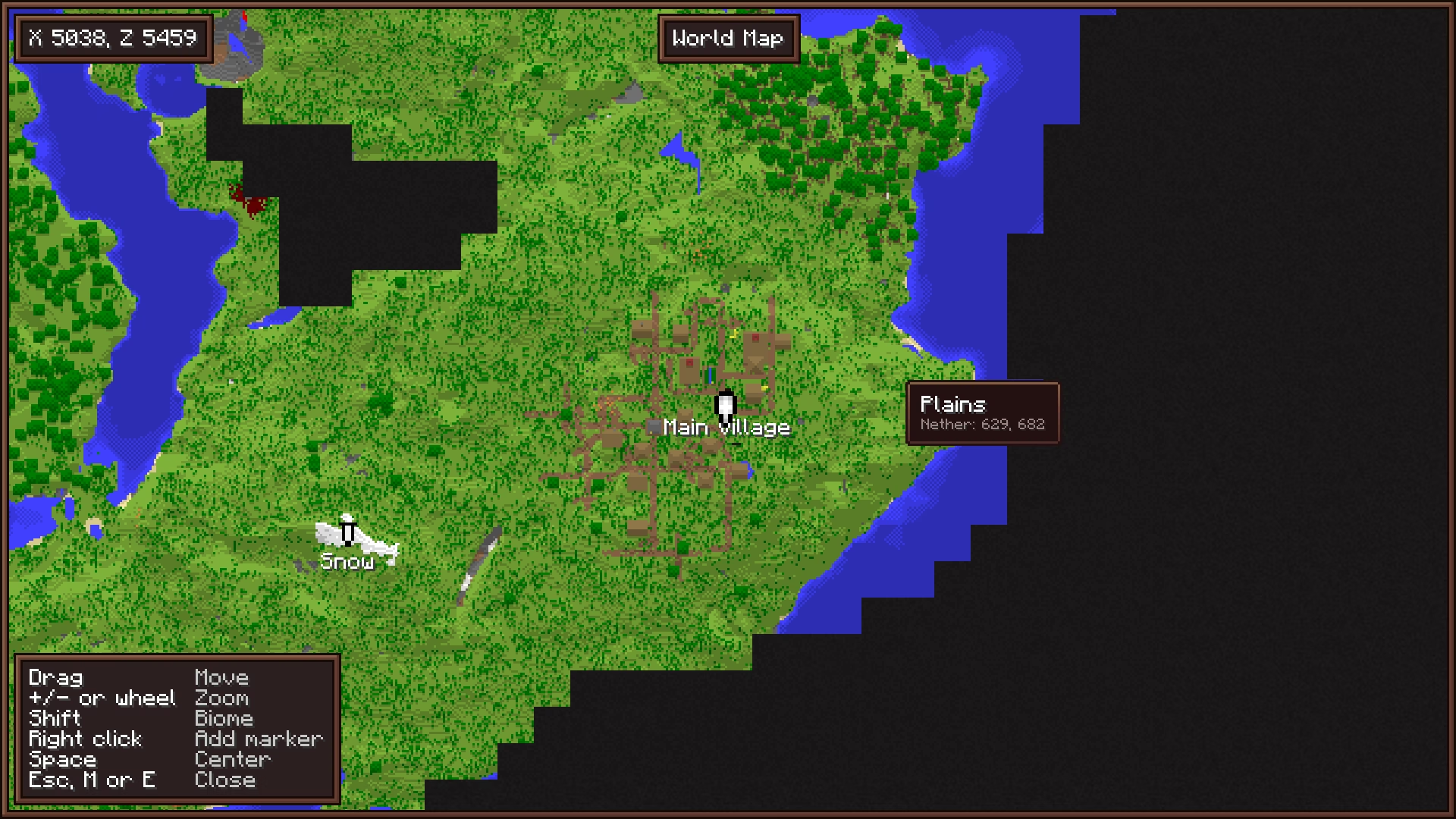
- Hold Shift and hover over a place to see the name of its biome.
- Once you have been to the Nether, the tooltip also gives where that spot leads in the other dimension.
- Right-click to place a marker, with an optional name and one of the 16 dye colors; right-click a marker to remove it. A brief pale ring marks the spot when you place or remove one. You can have up to 64, and they are kept on death.
- Markers show as banners of their color on the world map, on the minimap and in the world.
- Where you last died shows as a red X, on the maps and in the world. It goes away once you get back there, or with a right-click on the world map.
- The world's spawn chunk, where you come back without a bed, is outlined on the world map.
- The lodestone each of your lodestone compasses points to shows as a white X on the minimap and the world map, named after the compass if you renamed it.
- Coordinates written in the chat become links: a click opens the world map there, ready to name a marker.
- Ping: Shift + middle click on a spot or a mob, up to 128 blocks away, and every player in the dimension sees it marked by a red point with your name for a few seconds. No map needed; middle click alone still picks the block.
- Exploration is recorded from the first minute, even before you craft the map.
Questions
How do I craft the world map?
Put an empty map in the middle of a crafting table and fill the eight slots around it with sticks. Equip the world map in the map slot, above the offhand, then press M to open it.
Do I have to explore again after crafting the map?
No. Exploration is recorded from the first minute, with or without the map: everywhere you have been is already on it when you craft it.
How many markers can I place?
Up to 64, across all dimensions. They are saved on your player and kept when you die.
How do I find where I died?
A red X marks where you last died, on the world map, on the minimap and in the world, until you get back there. A right-click on it in the world map removes it.
How do I show a place to my friends?
Look at it and Shift + middle click: every player in the dimension sees a red point there with your name for a few seconds, following the mob if you pointed at one. It needs Cassonade on the server; without it, the middle click picks the block as usual.
More in Cassonade
One mod, every feature: they all come in the same download.
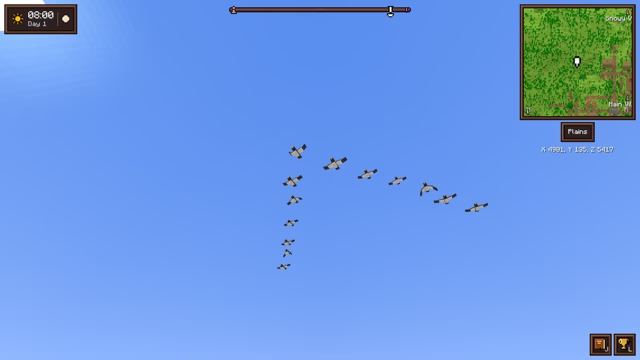 A living world
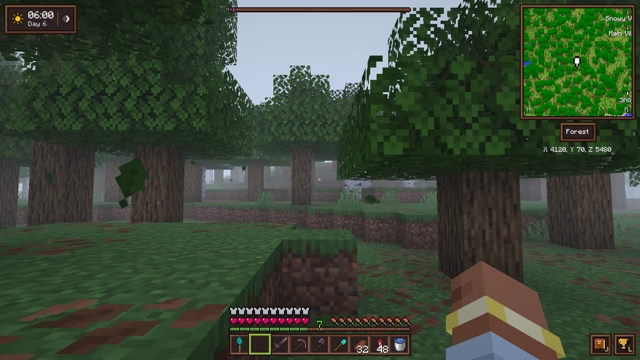 Weather and sky
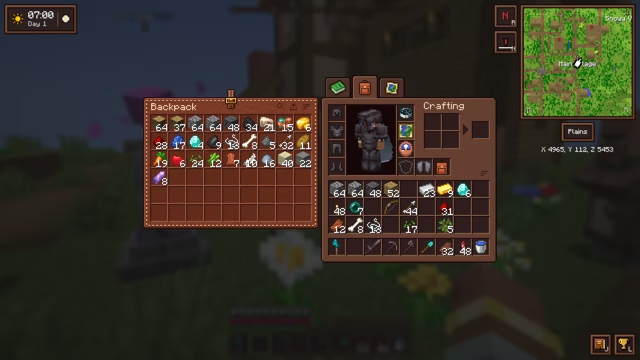 Backpack
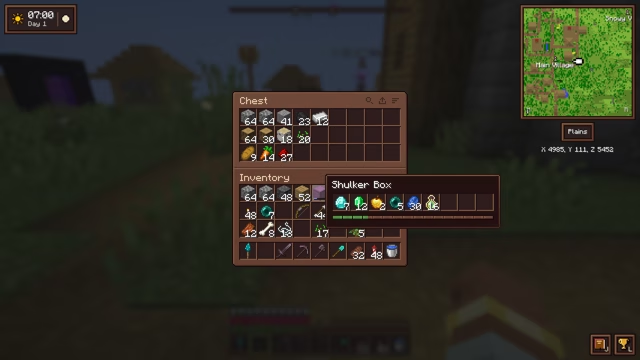 An inventory that keeps up
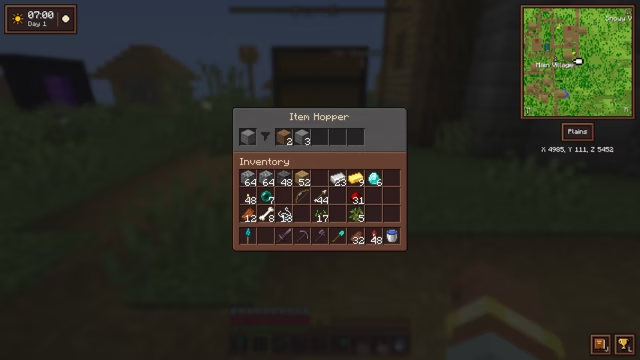 Filtered hopper
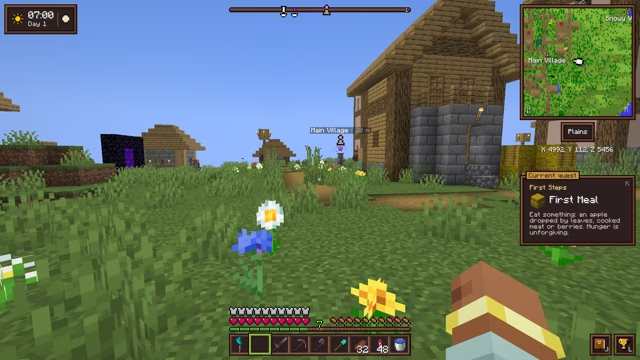 Compass minimap
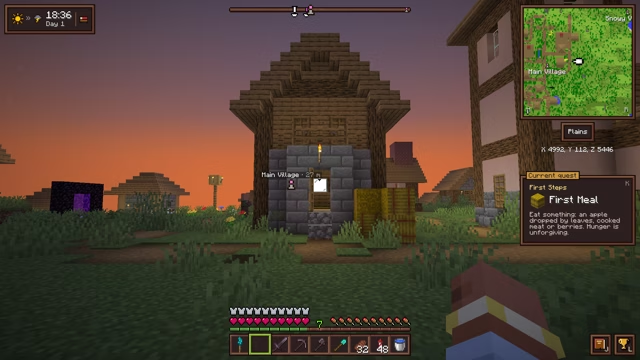 Clock and barometer
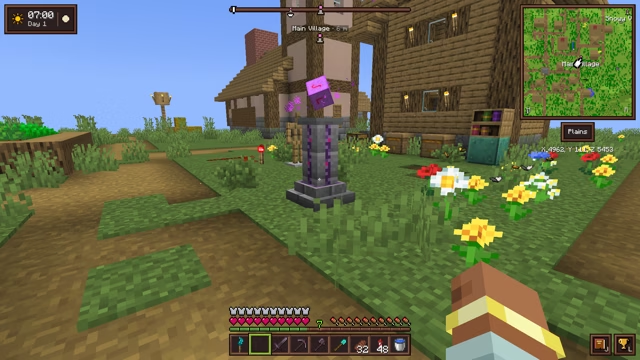 Waystone
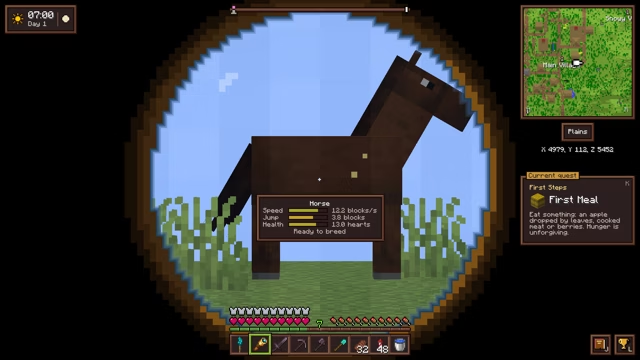 Spyglasses
 Elytra slot
 The sea
 Villages and treasures
 Quest journal and advancements
 Combat awareness
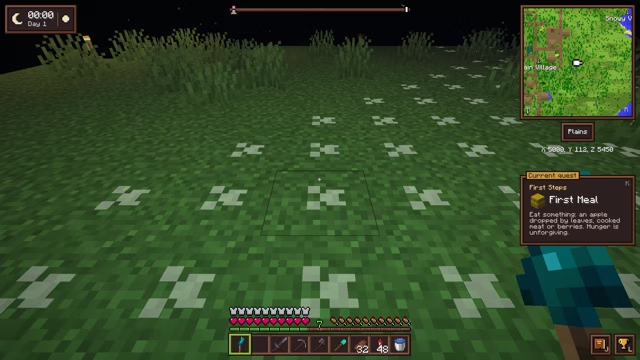 Sculk torch
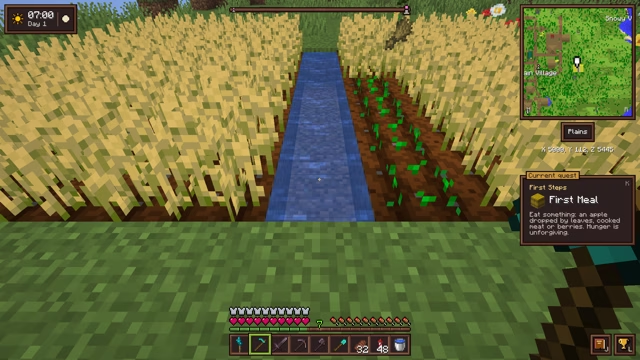 Right-click harvest
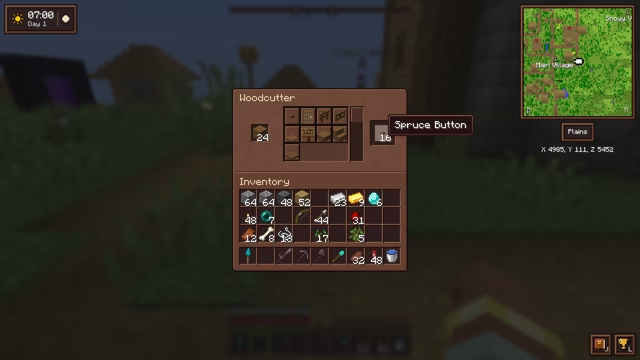 Woodcutter
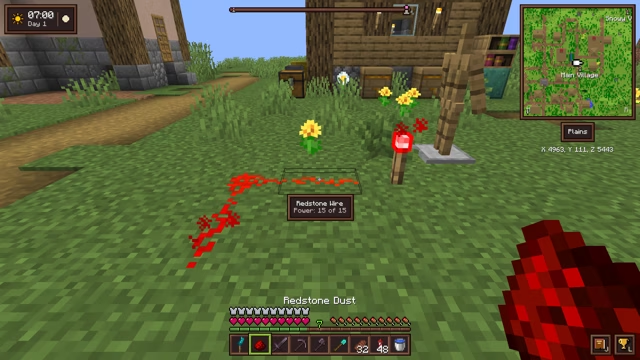 Small tweaks
 A refined interface
 Light and sky